
Vizard Agent for course creators and educators
Lesson videos, promo clips, explainers and tutorials from your recordings, in your students’ language.






Meet Vizard Agent
The first Video AGI.
The hardest part of making a video now? Describing what you want. Vizard Agent makes the rest, the way a professional editor would.
What course creators and educators make with it
Real projects: what each one started with, what was asked for, and what came back.
Started with
- A script, line by line
Asked for
“Prompt Time Spoken 0 (new) 0:00–0:10 “Give me one minute, and I’ll make you madly motivated. Just one. Don’t scroll. Watch this.” 1 0:10–0:20 “You’ll never wait for the ‘right time’ again. Here’s the truth…” 2 0:20–0:30 “…confidence doesn’t come before action, it comes after. It’s the receipt you get for showing up. Every day you say ‘I’ll start when I’m ready’…” 3 0:30–0:40 “…you’re training yourself to never be ready. Ready is a feeling. And feelings follow behavior. So…” 4 0:40–0:50 “…do it scared. Do it messy. Do it before you’ve figured it out. The version of you you’re waiting for only shows up…” 5 0:50–1:00 “…after you begin. So stop asking if you’re ready. Start, and become ready.” Here’s the full list again with the timing on every clip: where it sits in the video, how long it should be on screen in the final cut, and a duration written into each prompt. Generate each clip at 5 ”
Talking head
A lesson recording tightened and captioned, with slides over the cuts
Started with
- An article
Asked for
“Turn this article into a 16:9, ~60–75s narrated explainer: real footage + animated diagrams, roughly half and half. 1. Never reuse a clip or a graphic — one unique source per shot. 2. Put mechanisms and numbers into motion graphics (cross-sections, counters, flow schematics, stat cards); use real footage for the places and the people affected. 3. Facts only from the article, or verified by search — including the text inside generated graphics. 4. Hook with the most striking number, explain the cause, then end on what it means for the viewer's wallet. Article:”
Explainer video
The hard concept explained with diagrams and narration
What a great video used to take
Editing experienceEditing softwareHiring an editor
Now, just say what you want.
Talk to Vizard Agent like you’d talk to an editor. It makes the whole video.
Turn my lecture into a clean lesson video with the slides, plus three clips to promote the course.
- Editor quality, not AI slop
- A tenth of the price
How they work with it
- 1
Upload the recording
Zoom classes, lecture captures, screen recordings, slides.
- 2
Say who it is for
Beginners or advanced, the platform, the length, your terms.
- 3
Build the library
The same style across every lesson. Save the brief and send the next recording.
Watch how it’s done
-
 2:13
2:13
How to Remake a Video in 9:16
-
 2:30
2:30
Turn Notes and Audio Into a Video
-
 2:18
2:18
How to Style a Video with Figma
-
 1:59
1:59
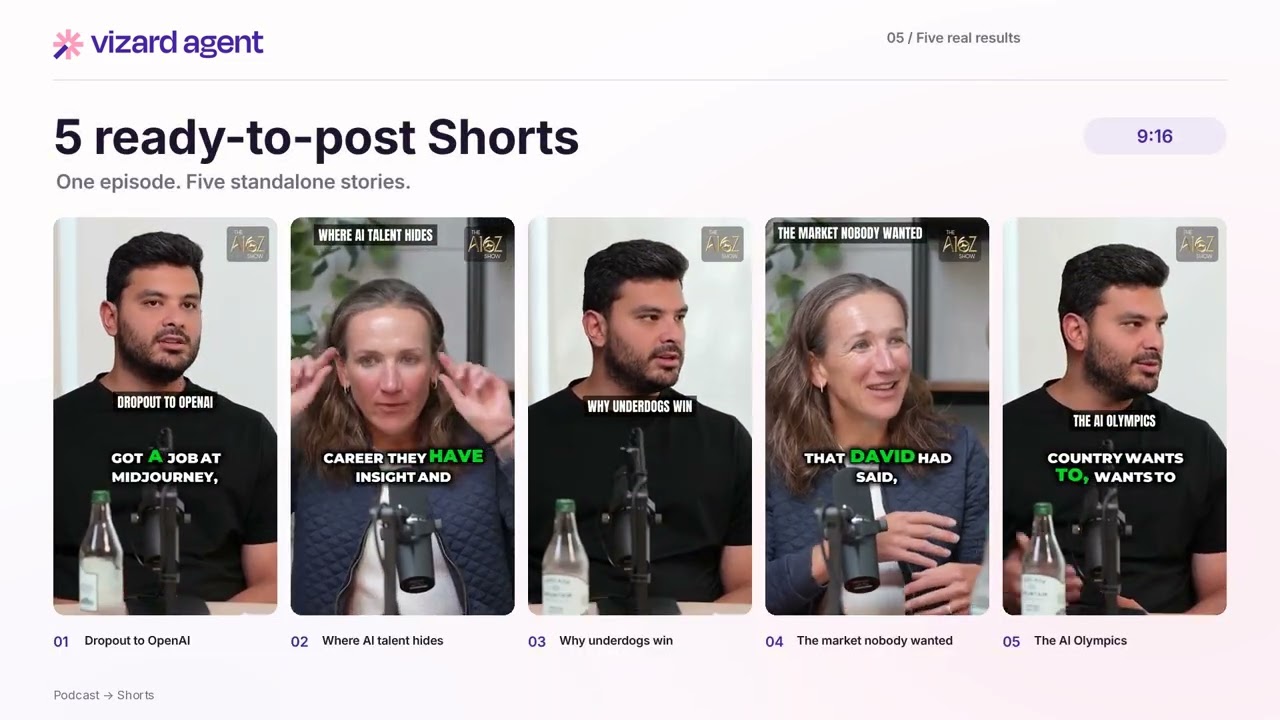
How to Turn a Podcast Into Shorts
-
 2:20
2:20
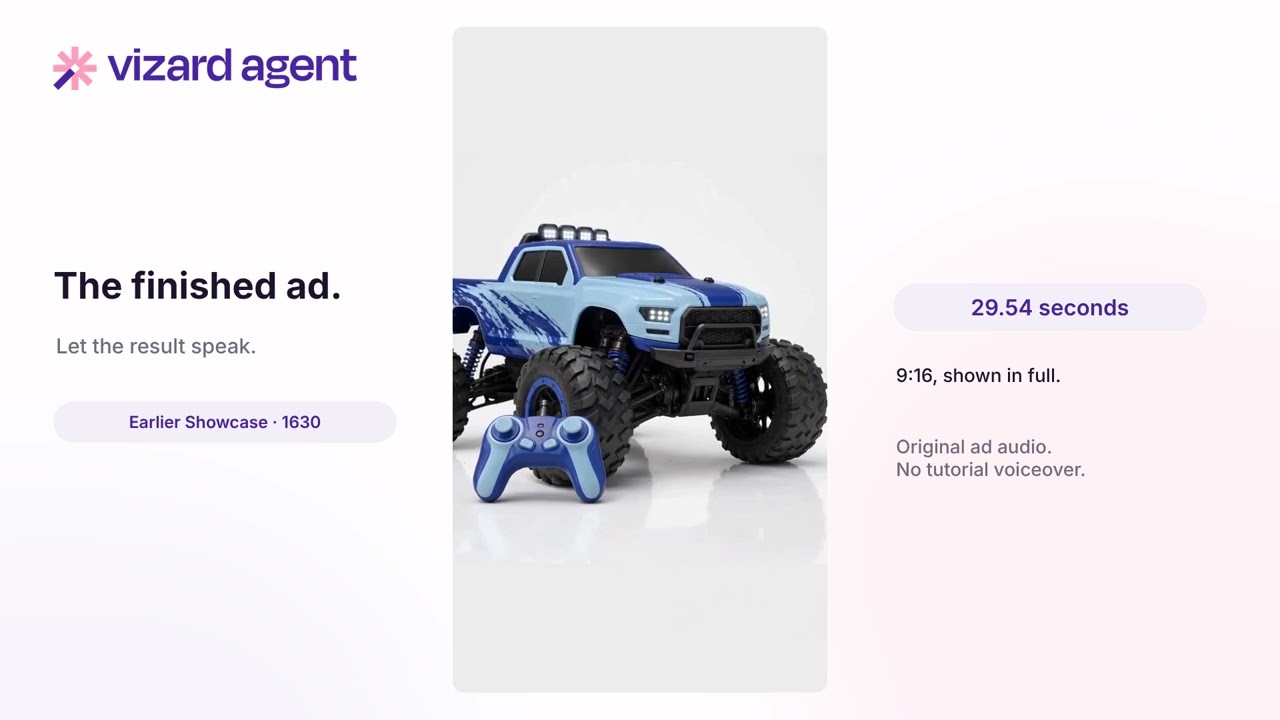
How to Make an Ad from a Screenshot
-
 1:42
1:42
How to Make an Event Trailer
-
 2:45
2:45
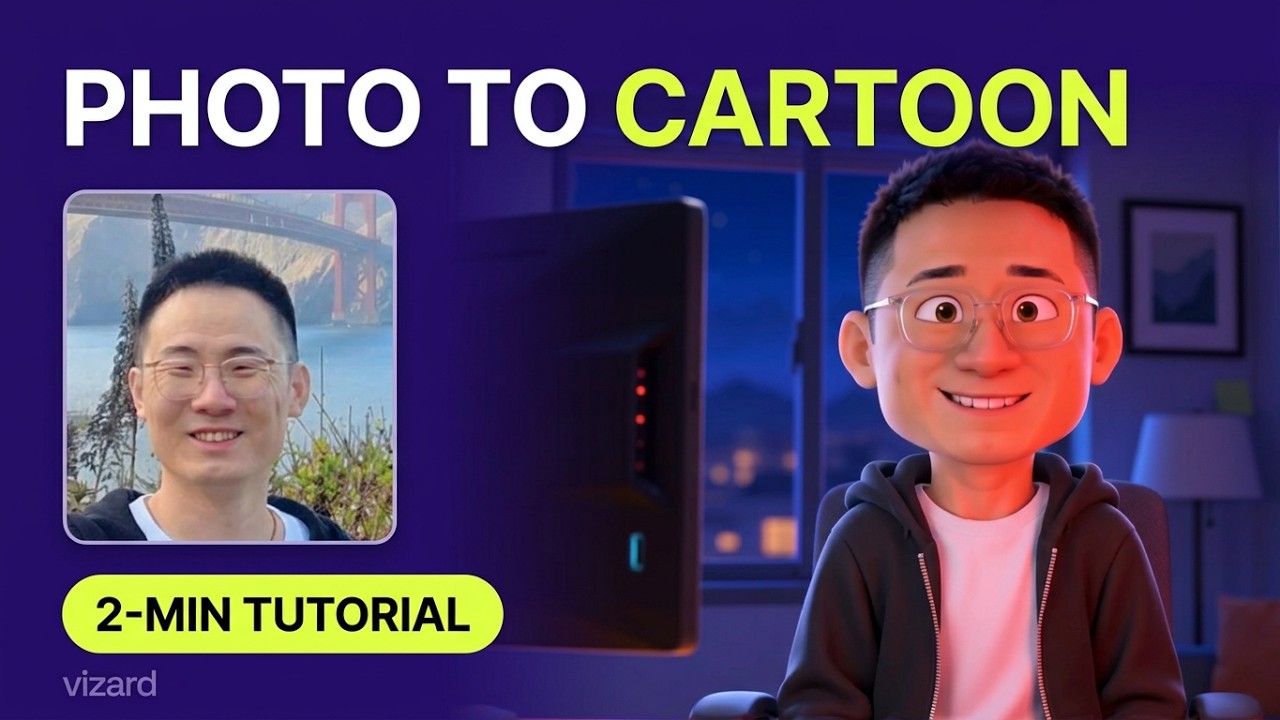
How to Turn a Photo Into a Cartoon
-
 1:54
1:54
How to Style Videos from an Image
-
 2:40
2:40
How to Create a YouTube Intro
-
 1:48
1:48
How to Make a Photo Flashback Video
-
 1:12
1:12
How to Wrap Text Around Objects
Questions
Can it keep my slides and my terminology?
Yes. Upload the deck and name the terms, and they appear as yours on screen and in the captions.
Can it make a long lesson and short promo clips from one recording?
Yes. The full lesson and the clips come from the same upload.
Can it translate the course?
Yes. One language per run, with the dub matched to your voice and subtitles if you want them.
Do I need to re-record my old lessons?
No. Send the recordings you have; it cuts the mistakes, cleans up the audio and adds titles and captions.
Can it make a lesson from my slides alone?
Yes. Give it the slides with your script or notes, and it narrates them as a lesson.
Start free
No card needed. When you need more, plans cost a tenth of an editor.