
Vizard Agent for YouTubers and content creators
Your footage, your face, your voice, edited in your style. The long video and the Shorts.






Meet Vizard Agent
The first Video AGI.
The hardest part of making a video now? Describing what you want. Vizard Agent makes the rest, the way a professional editor would.
What YouTubers and content creators make with it
Real projects: what each one started with, what was asked for, and what came back.
Started with
- Their own edited video
Asked for
“so i already have a decently edited video. I WANT YOU TO TAKE THIS AND MAKE IT AN INSANE HOOK, INSANE TRANSITIONS, SUPERRRRRR 3d kinda cool shit going on so it looks NEXT LEVEL while still potraying the same message. do not generate any extra ai characters or anything. just BE AN INSANE VIDEO EDITOR THAT GETS PAID THOUSANDS FOR A SINGLE VIDEO. i want it to be insanely eye catching”
Talking head
Filler cut, captions added, B-roll where it helps
Started with
- Trip footage
Asked for
“cut my trip footage into a 1-minute vlog that tells a cinematic story, not just clips in order. - location: lands end, san francisco - wistful, cinematic short film vibe - convert sony log footage into rec 709a”
Vlog
A day of footage cut into a story
What a great video used to take
Editing experienceEditing softwareHiring an editor
Now, just say what you want.
Talk to Vizard Agent like you’d talk to an editor. It makes the whole video.
Here’s my raw take. Cut it tight, add captions and B-roll, then make three Shorts from it.
- Editor quality, not AI slop
- A tenth of the price
How they work with it
- 1
Upload the raw take
Retakes, dead air and all. Phone or camera.
- 2
Say your style
The caption look, the pacing, the kind of B-roll, where it goes.
- 3
Keep it yours
Your face and your voice stay. Change a cut or a caption, then save the style for next time.
Watch how it’s done
-
 2:13
2:13
How to Remake a Video in 9:16
-
 1:42
1:42
How to Make an Event Trailer
-
 2:18
2:18
How to Style a Video with Figma
-
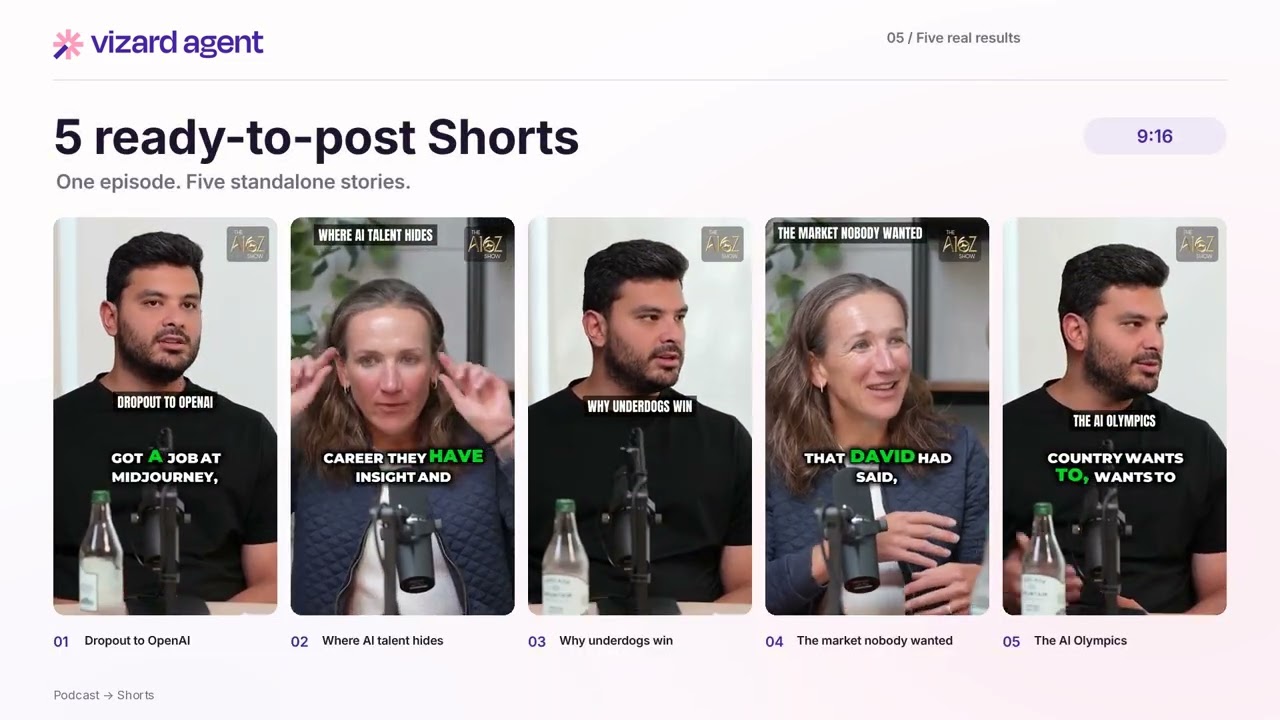 1:59
1:59
How to Turn a Podcast Into Shorts
-
 2:40
2:40
How to Create a YouTube Intro
-
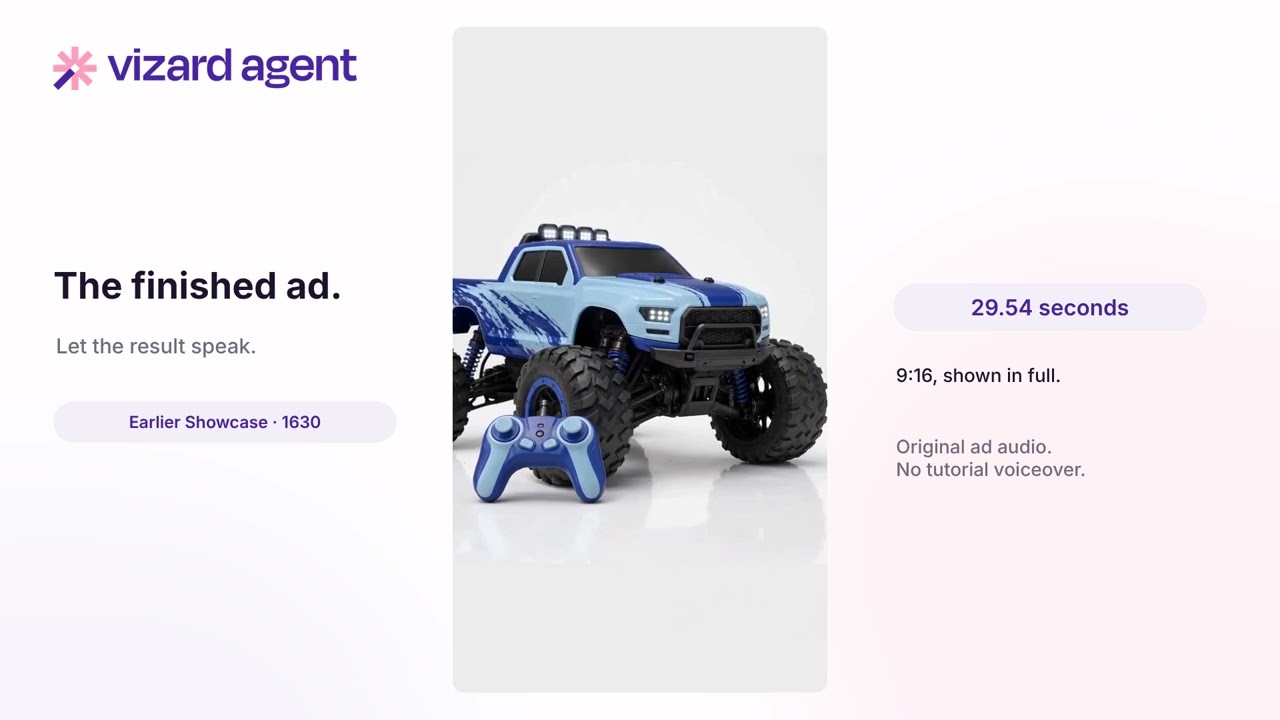 2:20
2:20
How to Make an Ad from a Screenshot
-
 2:30
2:30
Turn Notes and Audio Into a Video
-
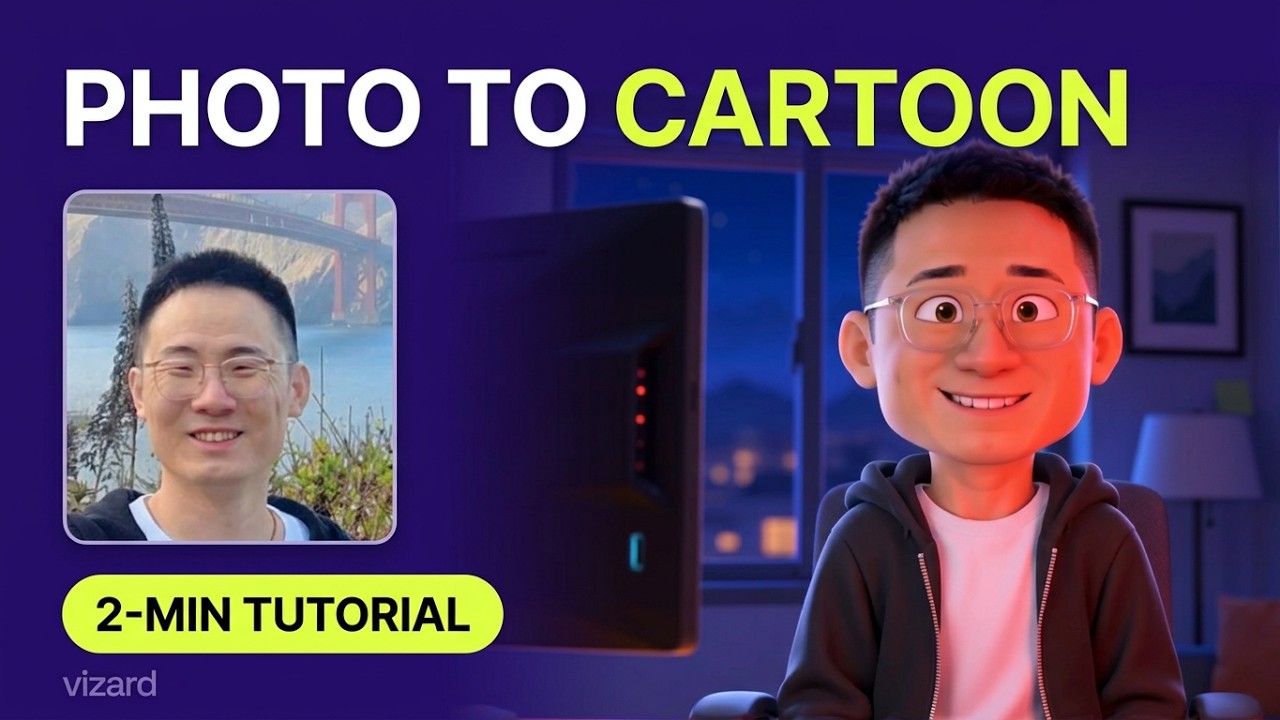 2:45
2:45
How to Turn a Photo Into a Cartoon
-
 1:54
1:54
How to Style Videos from an Image
-
 1:48
1:48
How to Make a Photo Flashback Video
-
 1:12
1:12
How to Wrap Text Around Objects
Questions
Will it change my face or my voice?
No. It cuts, captions and reframes your real footage. Nothing is replaced unless you ask for it.
Can it match my channel's look?
Yes. Give it one of your videos, or the fonts and colours, and it follows that.
Can it make the Shorts from the long video?
Yes. The long edit and the vertical clips come from the same upload.
Will my videos look like everyone else’s?
No. It edits to the style you describe or show it, and a saved template keeps every video consistent with your channel.
Can I still finish it myself?
Yes. Ask for changes in plain words, or download the result and finish it in your own editor.
Start free
No card needed. When you need more, plans cost a tenth of an editor.