
Vizard Agent for podcasters and interview hosts
Clips, the full multicam edit, a trailer and the transcript from every episode.






Meet Vizard Agent
The first Video AGI.
The hardest part of making a video now? Describing what you want. Vizard Agent makes the rest, the way a professional editor would.
What podcasters and interview hosts make with it
Real projects: what each one started with, what was asked for, and what came back.
Started with
- A full podcast episode
Asked for
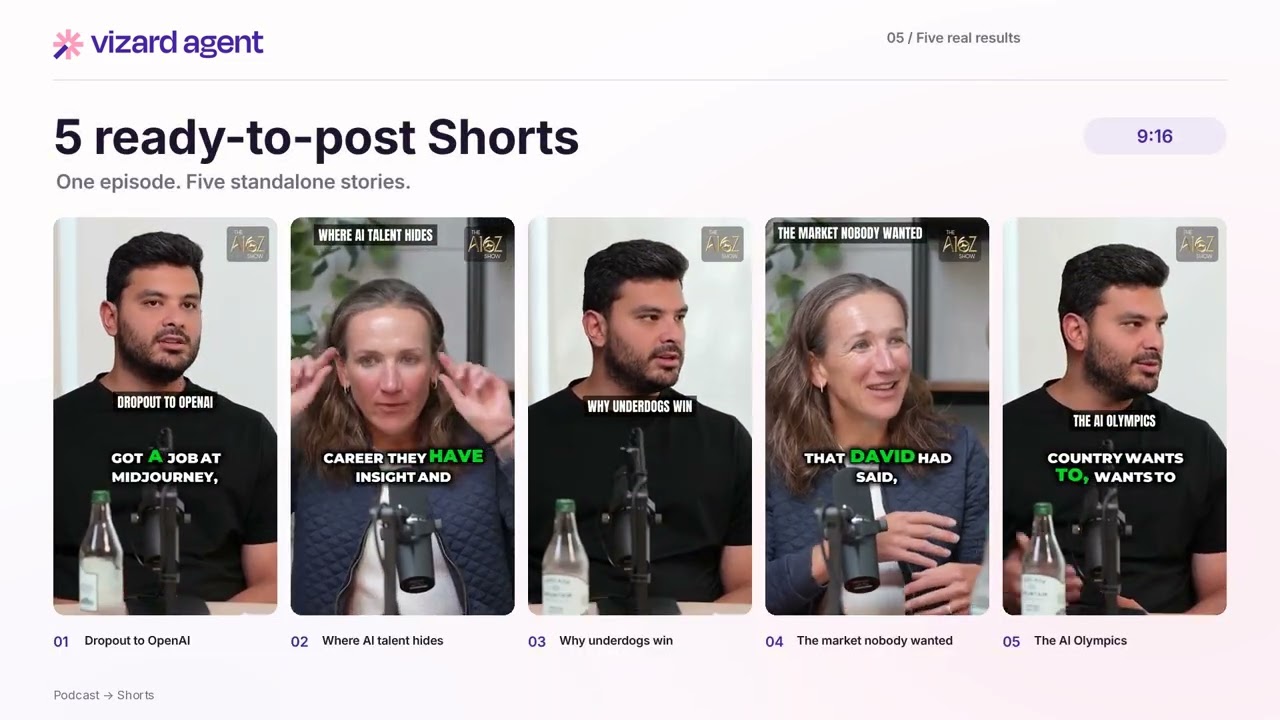
“Analyze the a16z podcast video and extract the 5 most engaging and high-retention 9:16 Shorts. Clip Selection Criteria: - Clip duration should be strictly between 20 and 55 seconds. - Each with a strong hook. - Automatically insert a dynamic visual and audio transition. - Use the "Split Screen" template (Speaker 1 on top, Speaker 2 on bottom). Ensure Auto-Framing keeps faces centered. Apply dynamic "Smart Zoom" (punch-in) on a speaker's face during high-energy moments, punchlines, or loud reactions to emphasize emotion. - Eliminate all dead air and silent pauses. Automatically insert relevant sound effects on key impactful words, jokes, or moments. - Apply dynamic, bold auto-captions but avoid covering the speaker's face. - Each clip ends with the same a16z outro.”
Podcast clips
The best moments of the episode as vertical clips with captions
Started with
- A 6-minute interview recording
Asked for
“You are editing a 6–7 minute vertical (9:16) interview video into multiple short Instagram Reels, in ONE run. Do not stop to ask me for approval. Plan the clips yourself, then render all of them. Use ffmpeg (and Python/Pillow for text/emoji rendering). ## Context - Location: rooftop of Google's San Francisco office, Bay Bridge in the background, "Google San Francisco" sign on the left. The background is a key selling point, so show it clearly at the start of each clip. - Two people seated: LEFT = Will (the interviewee), RIGHT = me, Yoyo (the interviewer). - Will's face is at roughly x ≈ 36%, y ≈ 49% of the frame. My face is at roughly x ≈ 61%, y ≈ 52%. Verify by grabbing a frame and adjust if needed. - The interview is in English. Audience: Hong Kong, Traditional Chinese speakers, ages 20–40, interested in AI/tech careers. - I've attached an .srt transcript (if provided, use it; otherwis”
Multicam interview
Two or three angles synced and cut between speakers
What a great video used to take
Editing experienceEditing softwareHiring an editor
Now, just say what you want.
Talk to Vizard Agent like you’d talk to an editor. It makes the whole video.
Here’s this week’s episode, two cameras and the audio. Cut the full edit and five clips.
- Editor quality, not AI slop
- A tenth of the price
How they work with it
- 1
Upload the episode
Audio, one camera or several, or the YouTube link.
- 2
Say the format
How many clips, which platforms, your fonts and colours, the guest's name and title.
- 3
Repeat every week
Same brief, new episode. Ask for five more clips any time.
Watch how it’s done
-
 1:42
1:42
How to Make an Event Trailer
-
 1:59
1:59
How to Turn a Podcast Into Shorts
-
 2:20
2:20
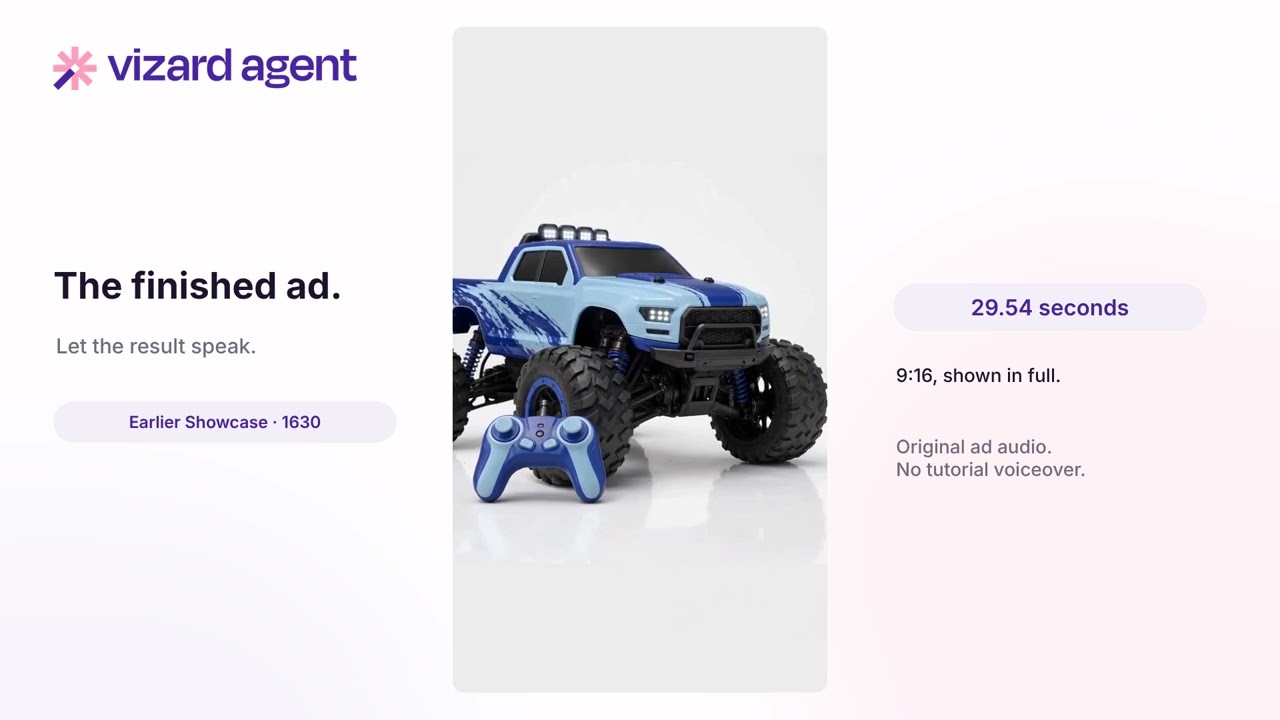
How to Make an Ad from a Screenshot
-
 2:13
2:13
How to Remake a Video in 9:16
-
 2:30
2:30
Turn Notes and Audio Into a Video
-
 2:45
2:45
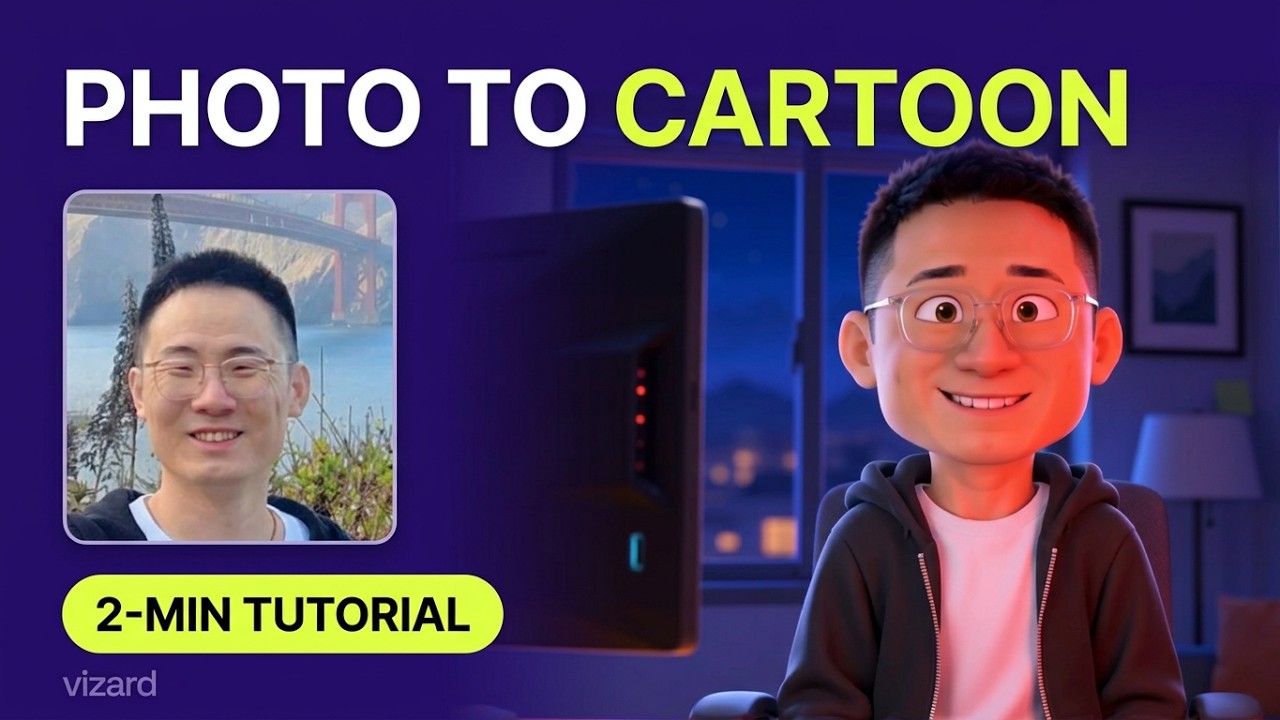
How to Turn a Photo Into a Cartoon
-
 2:18
2:18
How to Style a Video with Figma
-
 1:54
1:54
How to Style Videos from an Image
-
 2:40
2:40
How to Create a YouTube Intro
-
 1:48
1:48
How to Make a Photo Flashback Video
-
 1:12
1:12
How to Wrap Text Around Objects
Questions
Does it work with audio-only shows?
Yes. The clips come back captioned, with a waveform or your artwork on screen.
Can it handle two cameras and a separate recorder?
Yes. The angles and the audio are synced by sound and cut between whoever is speaking.
Can every clip match my brand?
Yes. Give it the fonts, the colours and the logo once, and every clip from every episode follows them.
Can it write the show notes?
Yes. Ask for the transcript, a summary and chapters with timestamps along with the edit.
Can I do this every week?
Yes. Save the brief as a template; each week, send the new episode and everything comes back in the same style.
Start free
No card needed. When you need more, plans cost a tenth of an editor.