
Vizard Agent for software and app companies
Launch videos, app ads, demos and tutorials from your website and your screen, every release.





Meet Vizard Agent
The first Video AGI.
The hardest part of making a video now? Describing what you want. Vizard Agent makes the rest, the way a professional editor would.
What software and app companies make with it
Real projects: what each one started with, what was asked for, and what came back.
Started with
- The website
- A product description
Asked for
“Create a polished, cinematic 40-second promotional video for my web app Parties. Website: [link] Product concept Parties is a map-first event discovery and planning app that brings your social calendar and nearby events together in one place. Instead of juggling Partiful links, Luma invitations, calendars, and Google Maps, users can discover events, organize their plans, and figure out where to go next. Target audience: Tech professionals, startup founders, builders, conference attendees, and socially active people attending events like SF Tech Week and TOKEN2049 Singapore. Creative direction Make this feel like a premium, modern tech startup launch video — energetic, stylish, playful, and visually impressive. Think Apple product commercial meets a vibrant tech conference afterparty. Use a mix of real screen recordings from my website, elegant UI zooms, animated map pins, kinetic typogra”
App ad
The ad or the demo from your site and a screen recording
Started with
- An article
Asked for
“Turn this article into a 16:9, ~60–75s narrated explainer: real footage + animated diagrams, roughly half and half. 1. Never reuse a clip or a graphic — one unique source per shot. 2. Put mechanisms and numbers into motion graphics (cross-sections, counters, flow schematics, stat cards); use real footage for the places and the people affected. 3. Facts only from the article, or verified by search — including the text inside generated graphics. 4. Hook with the most striking number, explain the cause, then end on what it means for the viewer's wallet. Article:”
Explainer video
The concept behind the product, with diagrams
What a great video used to take
Editing experienceEditing softwareHiring an editor
Now, just say what you want.
Talk to Vizard Agent like you’d talk to an editor. It makes the whole video.
Make a 45-second launch video for our new dashboard from this screen recording. Clean, in our colours.
- Editor quality, not AI slop
- A tenth of the price
How they work with it
- 1
Paste the link, add a recording
Your website and a screen capture, or let it capture a public product itself.
- 2
Say the audience and the channel
Trial sign-ups from Meta, a demo for the homepage, onboarding for new users.
- 3
Ship every release
Same brand, new feature. Save the brief.
Watch how it’s done
-
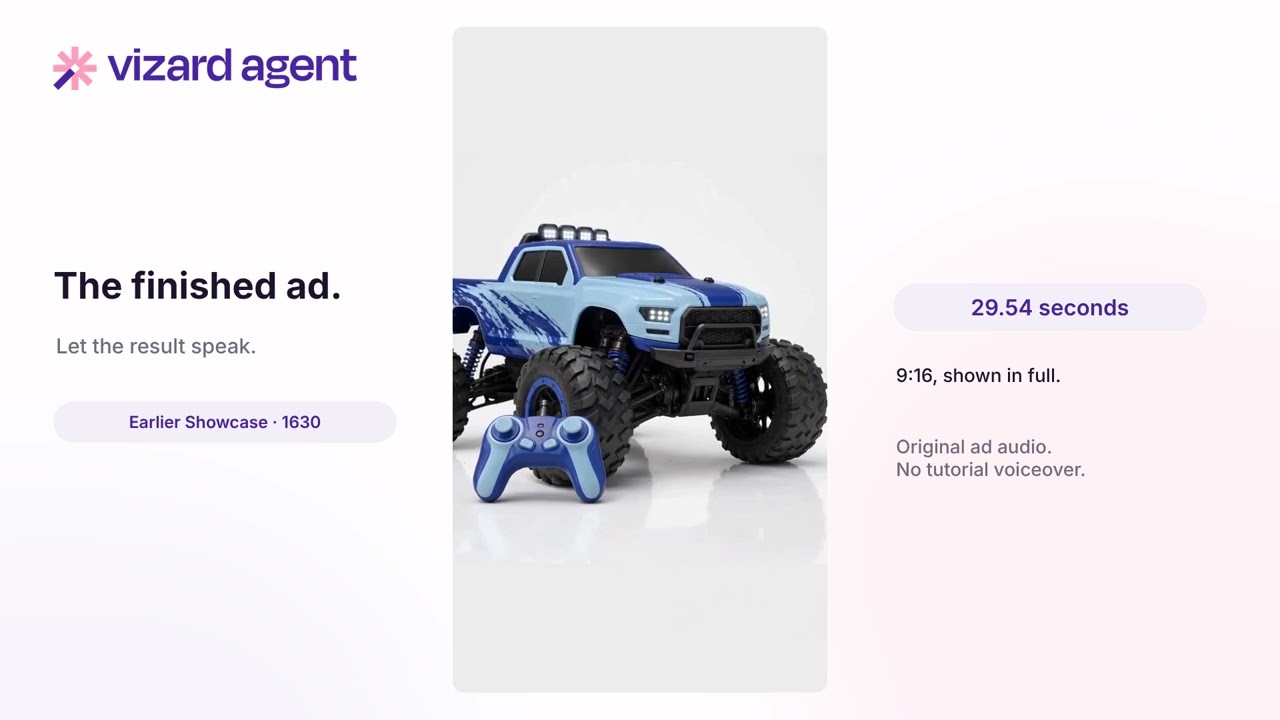 2:20
2:20
How to Make an Ad from a Screenshot
-
 2:30
2:30
Turn Notes and Audio Into a Video
-
 2:13
2:13
How to Remake a Video in 9:16
-
 1:42
1:42
How to Make an Event Trailer
-
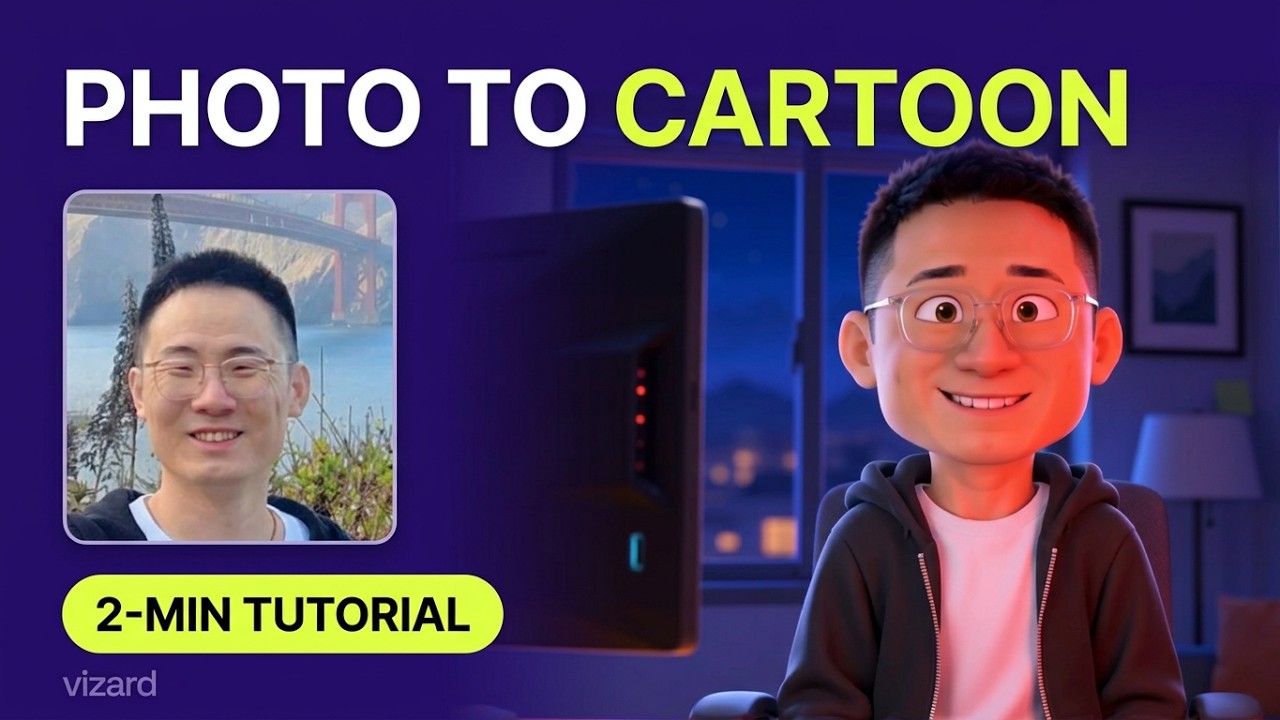 2:45
2:45
How to Turn a Photo Into a Cartoon
-
 2:18
2:18
How to Style a Video with Figma
-
 1:54
1:54
How to Style Videos from an Image
-
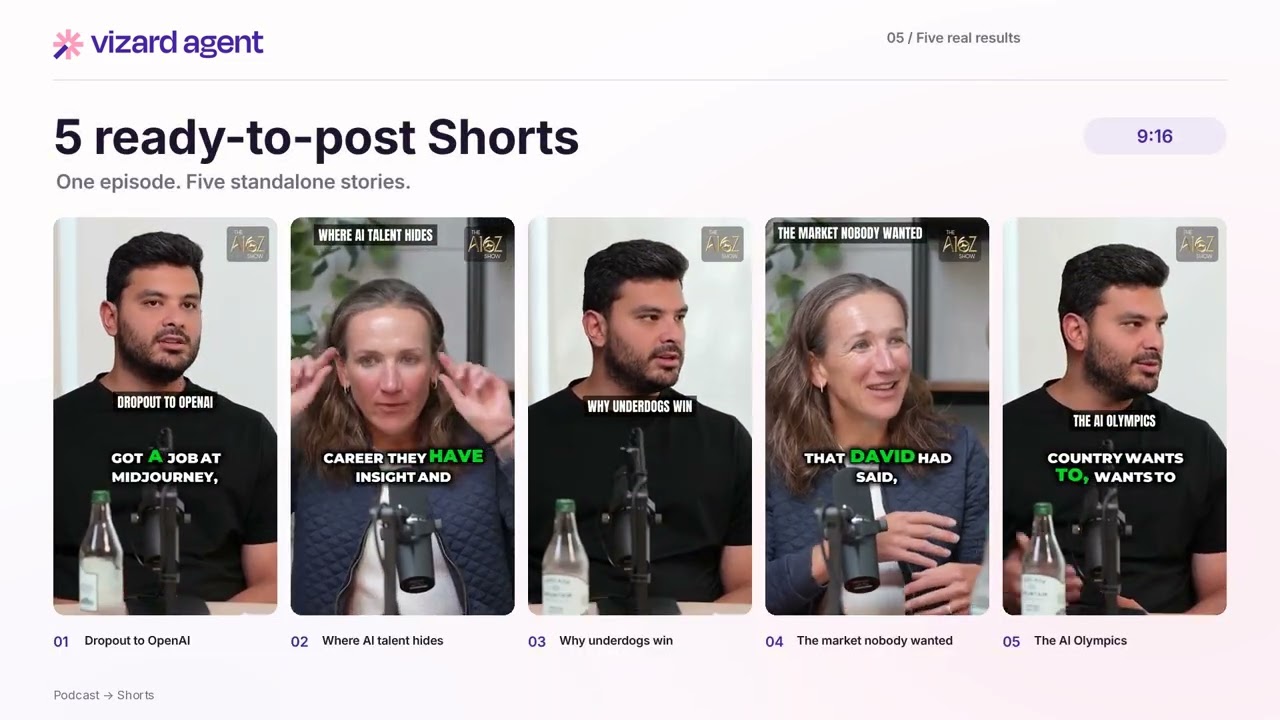 1:59
1:59
How to Turn a Podcast Into Shorts
-
 2:40
2:40
How to Create a YouTube Intro
-
 1:48
1:48
How to Make a Photo Flashback Video
-
 1:12
1:12
How to Wrap Text Around Objects
Questions
Can it record my product itself?
Yes, when the product is public. Anything behind a login you record and upload.
Will it match our brand system?
Colours, logo and tone, yes. A licensed typeface gets the closest match it can load.
Can we make a version per market?
Yes. One language per run, from the same project, with the voice matched.
Can it keep up with every release?
Yes. Save the brief as a template; each release, send the new recording or the changelog and the video comes back in the same style.
Can it make videos for developers?
Yes. Ask for code on screen, API walkthroughs or architecture explainers, and say how technical the audience is.
Start free
No card needed. When you need more, plans cost a tenth of an editor.